How does FantasyCape work?
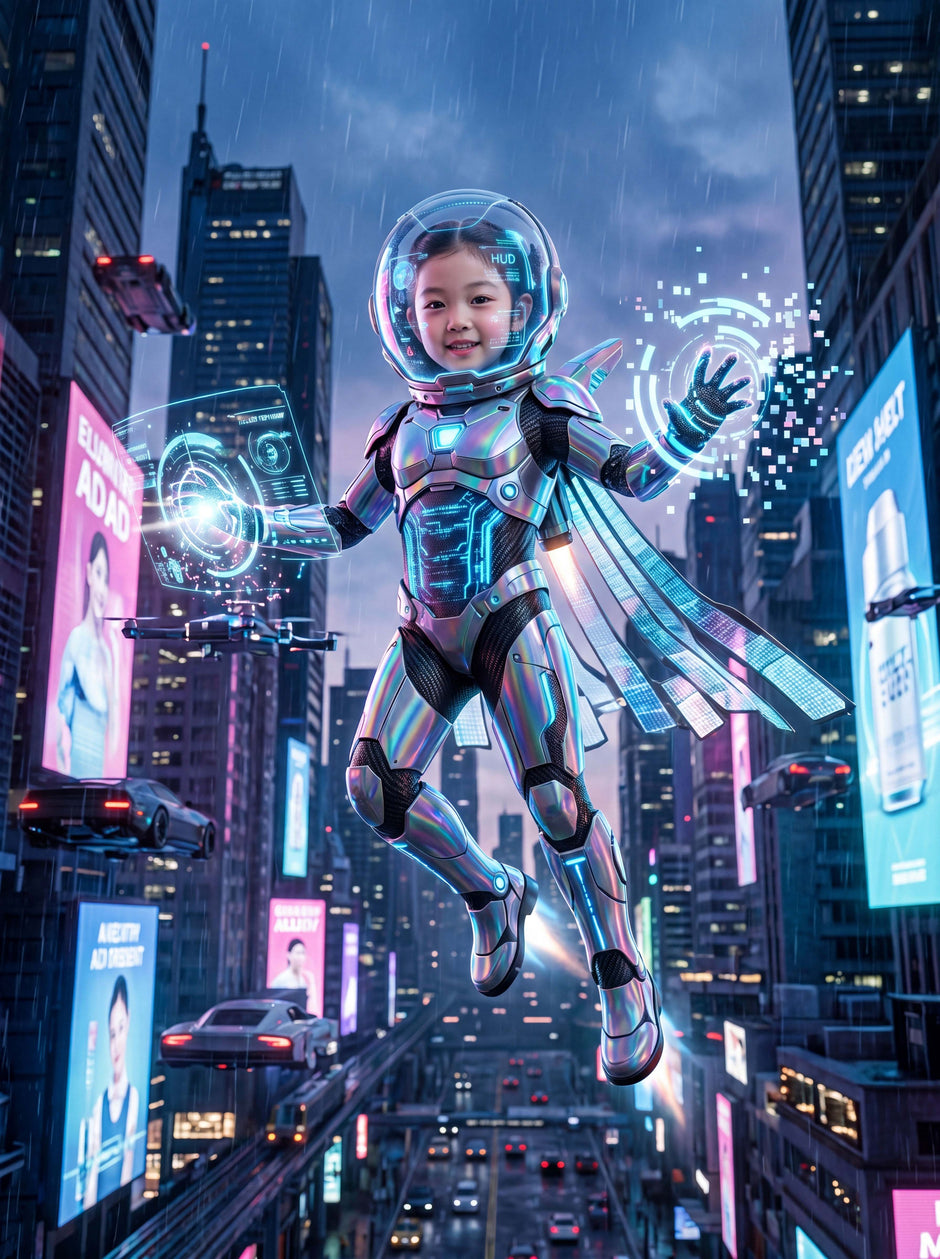
FantasyCape uses AI to turn your photos into magical creations. Choose a Magic Studio, upload your photo, and create up to 5 free watermarked images. After that, buy credits to unlock watermark-free images and continue creating.
Are the first creations free?
Yes. First-time users can create up to 5 free watermarked images before buying credits.
Why do free creations have a watermark?
Free creations include a watermark before purchase. After you buy credits, you can unlock watermark-free images and download them from My Creations.
What happens after I use my 5 free creations?
After your 5 free watermarked creations are used, the Create Magic button locks. To continue creating and unlock watermark-free images, buy a credit pack.
What are credits?
Credits are what you buy and use on FantasyCape. Image credits are used for image creation, watermark-free image access, and 4K upgrades. Video credits are used to animate saved images into videos.
What kind of photo should I upload?
Use a clear, bright photo where the face or main subject is visible. Front-facing photos usually work best. Avoid blurry, dark, heavily filtered, or far-away photos.
Will the final creation look exactly like the uploaded person?
FantasyCape uses AI to preserve resemblance while creating a magical transformation. Results can vary depending on photo quality, lighting, pose, and the selected Magic Studio.
Where do I find my creations?
Your saved images and videos appear in My Creations, where you can view, download, share, upgrade to 4K, animate, or create more in a similar style.
Can I animate my images?
Yes. Video animation is available after purchasing video credits. In My Creations, you can select a saved image and turn it into a short 5-second AI video.
How long are my downloads available?
Downloads are available for 30 days. This includes saved creations, ZIP downloads, and share files.
Are my photos private?
Yes. Uploaded photos are used only to generate your creations. Source photos are deleted after 24 hours. FantasyCape does not sell your photos or use them for unrelated purposes.
What happens if generation fails?
If a technical issue prevents your creation from being completed, the credit should not be deducted. If credits are affected, we may restore the missing credits or add replacement credits to your account.